


Look, I’ll be straight with you—I’m pretty skeptical whenever I see claims about “instant viral success” or “videos that go viral in every format.” I’ve tested enough marketing tools to know that most of these promises are about 80% hype and 20% reality. But when Freezur landed on my radar, claiming to automate the entire viral video creation process, I had to dig deeper. After spending time with this tool, here’s what I actually found.
What Is Freezur (And Why Should You Care)?
Freezur is an AI-powered video creation tool specifically designed to make “brainrot” style videos—you know, those hypnotic storytelling videos with moving captions that you see flooding TikTok, Instagram Reels, and YouTube Shorts. The ones where you start scrolling and suddenly realize you’ve been watching for 20 minutes straight.
The tool promises to handle everything: idea generation, script writing, visuals, voice-overs, background music, and editing. Basically, it’s trying to replace what would normally require a team of creators or several expensive software subscriptions.
The Reality Behind The Viral Video Format
Here’s something most people don’t talk about: these storytelling videos actually do perform incredibly well on social platforms. There’s a reason why you see them everywhere. The format is designed around watch time—the single metric that every video platform’s algorithm loves most.
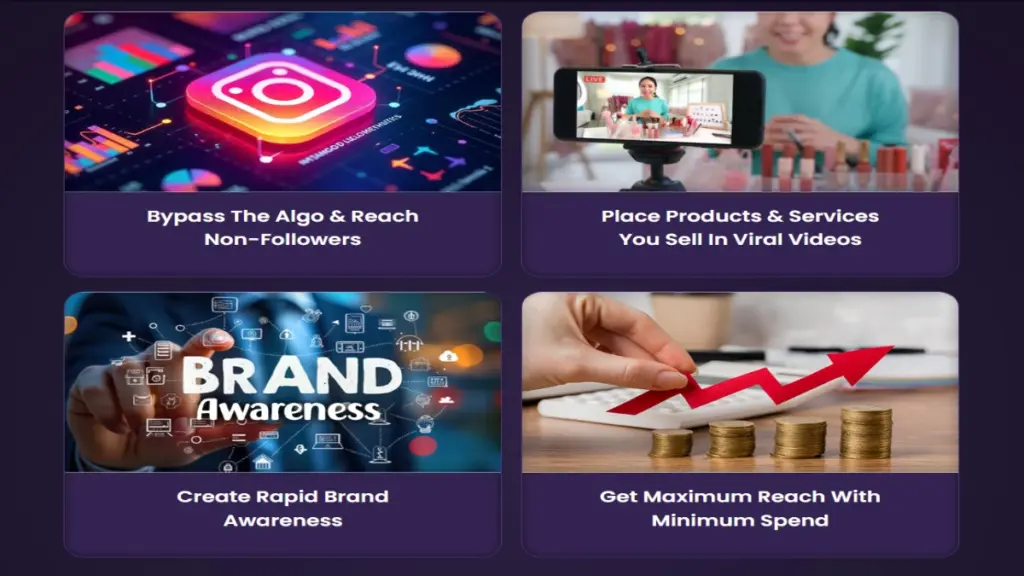
In my experience testing content strategies across different platforms, watch time beats almost everything else. If you can keep viewers glued to their screens, the algorithm will reward you by pushing your content to non-followers. That part of Freezur’s marketing is actually accurate.
What surprised me most was discovering that many of these viral channels are run by solo creators using automation tools. They’re not big production companies—they’re regular people who figured out the system.
What Freezur Actually Does Well
Idea Generation That Doesn’t Suck
I’ll give credit where it’s due: the idea generation feature is genuinely useful. Instead of staring at a blank screen wondering what to create, you get story concepts across multiple niches—horror, sci-fi, relationship drama, educational content, and more.
Does it replace human creativity? No. But does it give you a starting point when you’re stuck? Absolutely. I’ve used it to brainstorm content angles for clients, and it’s saved me probably 30-40 minutes per project just in the ideation phase.
The Script Writing Is Surprisingly Decent
Here’s where things get interesting. The AI-generated scripts are actually engaging. They’re not Shakespeare, but they follow proven storytelling structures that work for short-form content. The pacing is decent, there are hooks to keep viewers watching, and the language is conversational enough for social media.
That said, you’ll want to edit and personalize the scripts. The AI doesn’t know your brand voice or specific audience quirks. Think of it as a solid first draft that needs your human touch.
Multi-Platform Format Support
This is actually pretty convenient. You can create videos in different aspect ratios—vertical for TikTok and Reels, horizontal for YouTube, square for Instagram feed posts. Not groundbreaking, but it saves you from manually reformatting everything in a separate editor.
Voice-Over Quality Is Better Than Expected
The AI voices are surprisingly natural. Not quite indistinguishable from humans, but way better than the robotic text-to-speech from a few years ago. For background narration on fast-moving video content, they work well enough that most viewers won’t notice or care.
Where Freezur Falls Short (And They Won’t Tell You This)
The “Viral” Promise Is Oversold
Let’s address the elephant in the room: no tool can guarantee virality. I don’t care how good your content is—viral success depends on timing, platform algorithms, audience psychology, and frankly, some luck.
Freezur can help you create the type of content that has viral potential, but it can’t force the algorithm to push your videos to millions of people. That’s just marketing hype, and it frustrates me when tools make these promises.
Limited Creative Control
If you’re someone who wants granular control over every aspect of your video, you’ll find Freezur limiting. It’s designed for speed and automation, which means sacrificing some customization options. The visual library is decent but not extensive, and you’re somewhat locked into the tool’s aesthetic style.
The Learning Curve Exists Despite Claims
The marketing says it’s “point and click easy,” and while it’s more user-friendly than professional video editing software, there’s still a learning curve. You’ll spend your first few hours figuring out the workflow, understanding how to tweak scripts effectively, and learning which visual options work best.
This isn’t a dealbreaker, but don’t expect to create professional-looking viral videos in your first 10 minutes with the tool.
Credit System Can Get Expensive
Here’s something they don’t emphasize: Freezur uses a credit system. You get 20,000 “welcome credits” and can create up to 5 videos per day with the Elite version. Depending on video length and features used, those credits can burn through faster than you’d expect.
If you’re planning to produce content at scale—say, multiple videos daily for different platforms—you’ll need to carefully monitor your credit usage or upgrade to higher tiers. This adds up over time.
Pricing Breakdown: Is It Worth The Cost?
Freezur offers two main tiers:
Elite Monthly: $127/year (seems like a yearly plan despite the “monthly” name)
- 20,000 welcome credits
- 5 videos per day
- 3 video AIs
- 5 AI voices
- Videos up to 25 minutes
- Limited library access
- Self-business use only
Elite Yearly: $297/year
- Same features as monthly
- Presumably better value over time
Here’s my take: If you’re a content creator or agency already producing video content, the price isn’t unreasonable compared to hiring editors or subscribing to multiple tools. For a solo creator just testing the waters? It’s a significant investment.
The 30-day money-back guarantee is reassuring, though. At least you can test it without full commitment.
Who Should Actually Use Freezur?
Freezur Makes Sense For:
- Content creators building audiences on TikTok, Instagram, or YouTube
- Social media managers looking to increase video output without hiring editors
- Affiliate marketers who want to promote products through engaging video content
- Small businesses trying to build brand awareness on social platforms
- Anyone comfortable with AI tools and willing to add their personal touch
Skip Freezur If:
- You want complete creative control over every frame
- Your brand requires highly polished, custom video production
- You’re looking for a magic button that guarantees viral success
- You need advanced features like complex animations or transitions
- You’re on a tight budget and can’t justify the monthly/yearly cost
The Bottom Line: Does Freezur Deliver?
In my experience, Freezur is a solid automation tool that does what it claims—to an extent. It genuinely streamlines the video creation process and helps you produce the type of content that performs well on social platforms. The AI technology behind it is legitimate and functional.
However, it’s not a miracle worker. You won’t press a button and wake up to millions of views. Success still requires understanding your audience, consistent posting, strategic platform use, and yes, some good timing.
Think of Freezur as a productivity multiplier, not a replacement for strategy or effort. If you already know how to create engaging content and just need to speed up production, this tool can genuinely help. If you’re hoping it’ll magically solve all your content problems without any effort on your part, you’ll be disappointed.
The thing nobody tells you about viral video tools is that they’re only as good as the strategy behind them. Freezur gives you the execution capability, but you still need to bring the marketing brain.
My Recommendation
If you’re already committed to building a video content presence and you understand that success requires consistency and strategy—not just good tools—Freezur is worth testing for 30 days. Use the money-back guarantee as your safety net.
Start with a clear content plan, create 10-15 videos in different niches to see what resonates with your audience, and measure the actual results. If you see meaningful engagement and the tool is saving you significant time, keep it. If not, get your refund.
Just remember: the tool can make creating videos easier, but growing an audience still requires all the fundamentals—knowing your niche, understanding platform algorithms, posting consistently, and engaging with your community.
That’s the honest reality behind the viral video promise.