

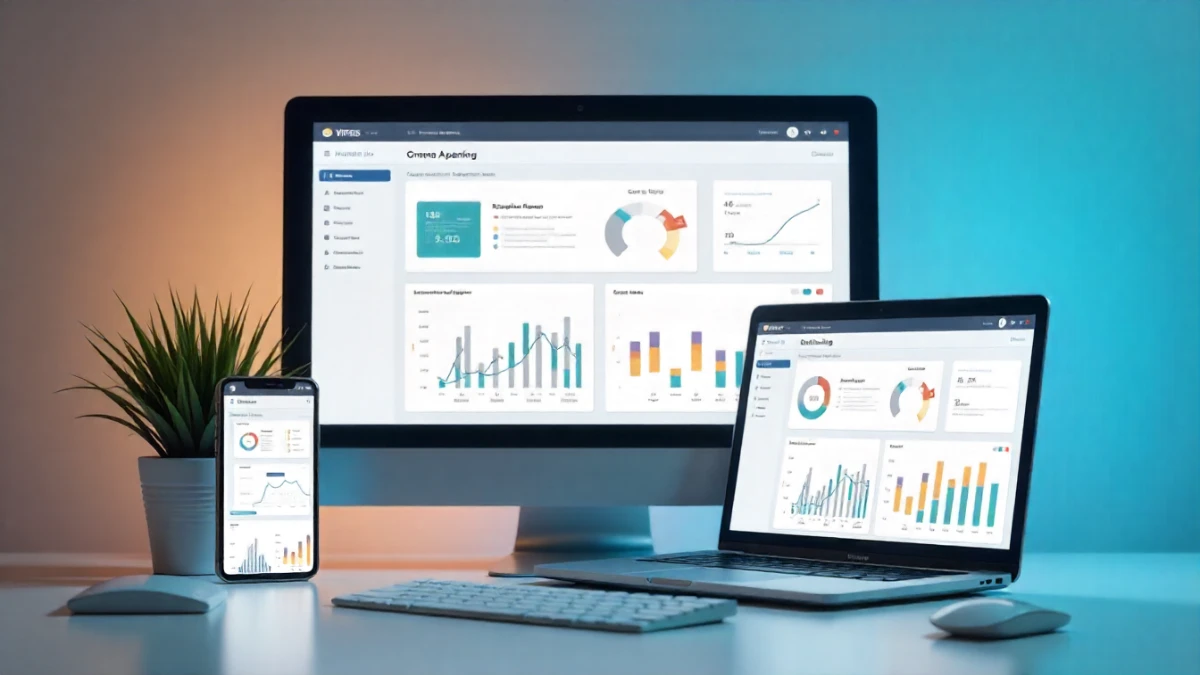
Look, I’ll be straight with you—choosing a CRM feels like dating. Everyone looks great in their profile pictures (aka demo videos), but you don’t really know what you’re getting into until you’re three months deep and realizing they have some… quirks. Over the past seven years managing marketing stacks for everyone from solo consultants to enterprise teams, I’ve probably set up, tested, or migrated away from about 30 different CRM systems. Some were brilliant. Others? Let’s just say I learned expensive lessons.
Here’s what I’ve found: the “best” CRM is completely dependent on your actual workflow, team size, and what you’re trying to accomplish. That $500/month enterprise solution might be overkill if you’re just trying to keep track of 200 clients. And that free tier everyone raves about? It might quietly cost you thousands in lost productivity. So let’s dig into what actually matters when you’re evaluating CRM software, based on real-world experience—not just feature lists.
What I Actually Test When Reviewing CRMs
Before we get into specific platforms, here’s the thing nobody tells you: most CRM reviews focus on features that sound impressive but that you’ll literally never use. “Advanced workflow automation!” “AI-powered lead scoring!” Sure, those are cool, but can you quickly add a contact while you’re on a call without clicking through five different screens?
In my testing methodology, I focus on five critical areas:
Daily usability comes first. I actually use these tools for real client work—not just clicking around in a demo account. How long does it take to complete common tasks? Is the interface intuitive or does it require a manual? I’ve timed myself doing routine operations in different CRMs, and the differences are staggering. Some let you update a contact in under 10 seconds. Others make it feel like navigating a government website from 2003.
Integration ecosystem matters more than most people realize. Your CRM doesn’t exist in a vacuum. It needs to talk to your email platform, your calendar, your project management tool, and probably a dozen other systems. I’ve seen businesses invest thousands in a CRM only to discover it doesn’t play nicely with their existing tech stack. The frustration is real.
Mobile experience is where a lot of otherwise solid CRMs fall apart. If your team is ever in the field, at conferences, or just working from their phone, the mobile app better be functional. I’ve tested CRMs where the mobile version feels like an afterthought—slow, buggy, missing half the features. That’s a dealbreaker for many teams.
Customization flexibility determines whether the CRM adapts to your process or forces you to adapt to it. Some platforms let you customize everything. Others lock you into their worldview of how business should work. Neither approach is inherently wrong, but you need to know which type you’re getting.
Support and onboarding can make or break your experience. The best CRM in the world is useless if you can’t figure out how to use it and support takes three days to respond to tickets. I’ve dealt with both amazing and terrible support teams, and the difference in implementation success is dramatic.
The Heavy Hitters: Enterprise-Grade Solutions
Salesforce: The 800-Pound Gorilla
Let’s start with the obvious one. Salesforce basically invented the cloud CRM category, and they’re still the dominant player for enterprise businesses. I’ve implemented Salesforce for several large clients, and here’s the reality: it’s incredibly powerful and incredibly complex.
What Salesforce does brilliantly: Customization is virtually limitless. If you can imagine a workflow, you can probably build it in Salesforce. The AppExchange has thousands of integrations. For large sales teams with complex processes, enterprise-level security requirements, and dedicated admins, Salesforce is often the right answer.
Where it falls short: The learning curve is steep—really steep. Expect weeks or months of onboarding, not days. The pricing gets expensive fast when you start adding users and features. And honestly? For small businesses, it’s often overkill. I’ve seen teams paying $150+ per user per month and using maybe 20% of the functionality.
Best for: Enterprise sales teams (50+ people), businesses with complex sales cycles, companies that need extensive customization and have dedicated Salesforce admins.
Pricing reality: Starts around $25/user/month, but most businesses end up in the $75-150/user/month range once they add necessary features.
HubSpot: The Marketing-First Contender
HubSpot has grown from a marketing automation platform into a full-fledged CRM powerhouse, and I’ll admit—I’m a fan. Not because it’s perfect, but because they’ve nailed the balance between power and usability better than most competitors.
What surprised me most about HubSpot is how genuinely useful the free tier is. Unlike most “freemium” CRMs that are basically glorified demos, HubSpot’s free CRM actually works for small teams. I’ve recommended it to probably two dozen startups, and most stayed with it for at least their first year.
The strengths: The interface is clean and intuitive. Even team members who hate CRMs seem to tolerate HubSpot. The marketing automation is top-notch if that’s important to you. Integration with their other hubs (Marketing, Sales, Service) creates a cohesive ecosystem. And their academy content for learning the platform is excellent.
The limitations: As you scale and need more advanced features, the pricing jumps significantly. Some of the more powerful automation features are locked behind the Professional tier ($800+/month). Customization, while good, isn’t quite at Salesforce levels. And if you don’t care about the marketing features, you’re paying for functionality you won’t use.
Best for: Marketing-heavy teams, businesses that want CRM + marketing automation in one platform, companies between 10-200 employees who value ease of use.
Real pricing: Free tier for basics, but most growing businesses land in the $450-1,200/month range for meaningful functionality.
The Mid-Market Sweet Spot
Pipedrive: Built for Actually Closing Deals
I’ve implemented Pipedrive for three different clients in the past 18 months, and it’s become my go-to recommendation for sales-focused teams that don’t need all the bells and whistles. The whole platform is built around visual pipeline management, and it shows.
Here’s what I love: you can get up and running in an afternoon, not a month. The visual pipeline makes it dead simple to see where deals stand. Automation features handle the boring stuff without requiring a computer science degree to set up. And the mobile app? Actually good.
Where Pipedrive shines: Sales pipeline visualization is the best I’ve used. The interface is fast and responsive. Reporting is surprisingly robust. Integration with common tools (Gmail, Google Calendar, Slack) works smoothly. At around $15-100/user/month, the pricing is reasonable for what you get.
Where it doesn’t: Limited marketing automation compared to HubSpot. Customization options are more constrained than enterprise solutions. If you need complex workflow automation, you’ll hit ceilings. Not ideal for businesses that need heavy customer service functionality.
Best for: Small to mid-size sales teams (5-50 people), businesses with straightforward sales processes, teams that prioritize simplicity and adoption over endless features.
Zoho CRM: The Value Champion
Look, Zoho isn’t sexy. Their marketing isn’t as polished as HubSpot’s. They don’t have Salesforce’s brand recognition. But here’s what they do have: a surprising amount of functionality at prices that make CFOs smile.
I tested Zoho extensively last year for a client with a tight budget, and I was genuinely impressed. The feature set rivals platforms costing 3-4 times as much. The catch? The interface feels a bit dated, and there’s definitely a learning curve.
What works: Incredible value for money. Comprehensive feature set including sales, marketing, and customer service. Strong AI capabilities (Zia) for lead scoring and predictions. Good customization options. The ecosystem of connected Zoho apps creates a full business suite if you want it.
What doesn’t: The interface isn’t as intuitive as HubSpot or Pipedrive. Documentation can be hit-or-miss. Some features feel like they were added just to check a box rather than being truly polished. Support response times vary.
Best for: Budget-conscious businesses, companies wanting an all-in-one ecosystem, teams willing to invest time in setup for long-term value.
Pricing reality: Starts at $14/user/month, with most teams in the $23-52/user/month range.

The Newcomers and Specialists
Copper: The Google Workspace Native
If your team lives in Gmail and Google Calendar, Copper (formerly ProsperWorks) deserves serious consideration. It’s built specifically to work inside Google Workspace, and that focus shows.
The integration is seamless—like, actually seamless, not “we have a Chrome extension” seamless. Contacts automatically populate from email exchanges. You manage everything without leaving Gmail. For teams already on Google Workspace, the adoption friction is minimal.
The downside? If you’re not heavily invested in Google’s ecosystem, Copper loses its main advantage. And it’s priced at premium levels ($29-134/user/month) for what is essentially a mid-market feature set.
Freshsales: The Customer Service Connection
Part of the Freshworks suite, Freshsales makes sense if customer service and support are as important as sales for your business. The integration between Freshsales and Freshdesk creates a unified customer view that’s pretty compelling.
The interface is modern and clean. AI-powered lead scoring works better than expected. Built-in phone and email capabilities reduce the need for additional tools. Pricing is competitive at $15-83/user/month.
Where it stumbles: it’s not as sales-focused as Pipedrive or as marketing-powerful as HubSpot. It’s a jack-of-all-trades that’s master of none. Great if you need the breadth, limiting if you need depth in any specific area.
What I Wish I Knew Before Choosing CRMs
After all these implementations, here are the lessons I learned the hard way:
Free trials aren’t long enough. Most CRMs offer 14-30 day trials. That’s barely enough time to set up custom fields and import data, let alone actually use the system. If possible, try to negotiate extended trials or use free tiers to really test before committing.
Migration is harder than vendors admit. Every CRM vendor will tell you migration is “simple” and they have “tools to help.” The reality? Expect data cleanup issues, missing field mappings, broken integrations, and frustrated team members. Budget twice as long as they tell you for migration projects.
User adoption is your biggest challenge. The fanciest CRM in the world is worthless if your team won’t use it. I’ve seen expensive Salesforce implementations fail because salespeople kept using spreadsheets. Prioritize ease of use and get team buy-in early.
Hidden costs are everywhere. That $25/user/month pricing? It doesn’t include onboarding, additional storage, premium integrations, support packages, or the consultant you’ll probably need. Always calculate total cost of ownership, not just subscription fees.
One size doesn’t fit all departments. Sales teams want pipeline visibility. Marketing wants automation and attribution. Customer service needs ticketing. Make sure you’re solving for your most critical use case first, even if it means other departments get less-than-ideal tools.
My Honest Recommendations
So who should actually use what? Here’s my breakdown based on real-world scenarios:
Choose Salesforce if you’re an enterprise with 100+ employees, complex sales processes, serious compliance requirements, and the budget for proper implementation. Also if you have or can hire dedicated Salesforce administrators.
Choose HubSpot if you’re a growing business (10-200 people) that values user experience, wants integrated marketing automation, and has the budget to scale into paid tiers as you grow.
Choose Pipedrive if you’re a sales-focused team that wants something simple and visual, doesn’t need elaborate marketing features, and values quick adoption over extensive customization.
Choose Zoho if budget is a primary concern, you want solid functionality across sales/marketing/service, and you’re willing to invest setup time to optimize the system.
Start with HubSpot’s free tier if you’re a startup or solo consultant, you’re not sure what you need yet, and you want to avoid commitment while you figure out your process.
The Bottom Line
Here’s the reality: I’ve seen teams succeed with every CRM on this list, and I’ve seen teams fail with every one too. The difference isn’t usually the software—it’s whether the CRM matches how the team actually works.
Before you get dazzled by feature lists and sales pitches, get crystal clear on your top three priorities. Is it ease of use? Specific integrations? Advanced automation? Budget? Then find the CRM that nails those priorities, even if it means sacrificing features you probably won’t use anyway.
And look, if you pick a CRM and it’s not working after 3-6 months, don’t be afraid to switch. Yes, migration is painful. But using the wrong tool for years is way more painful than one-time migration headaches. I’ve helped companies switch CRMs and seen immediate productivity gains that justified the hassle within months.
The best CRM is the one your team will actually use. Everything else is just features on a spec sheet.