

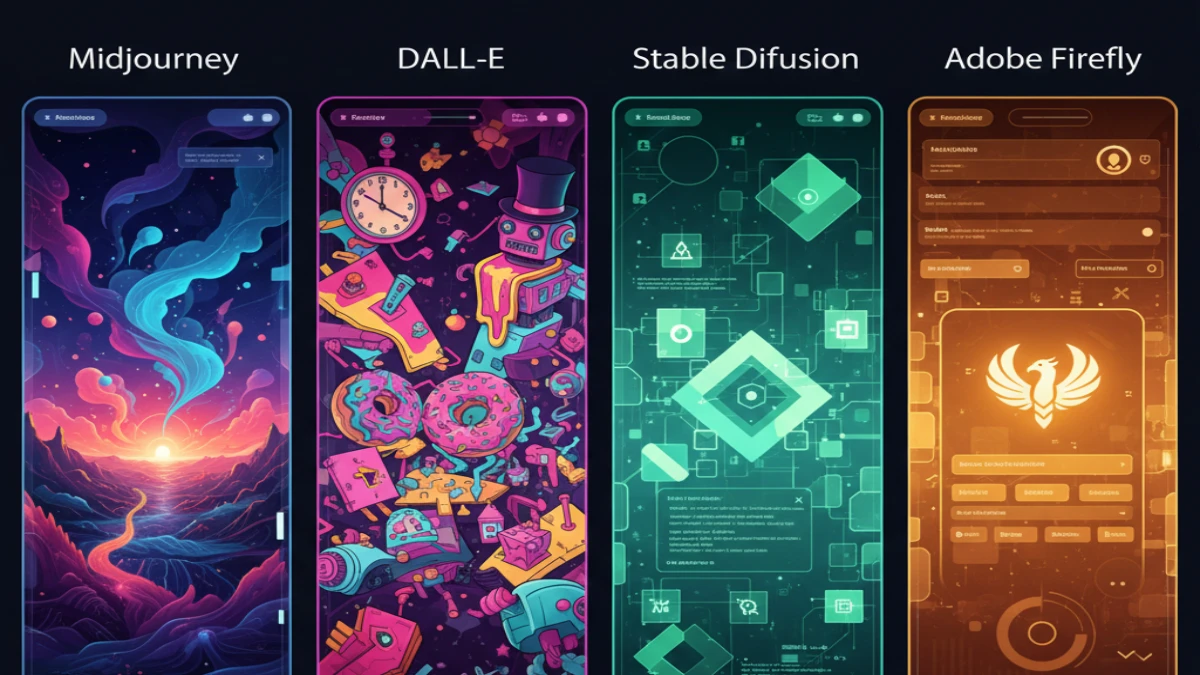
I’ll be straight with you—I’ve spent the last 18 months testing every major AI image generator I could get my hands on, and the hype doesn’t always match reality. Between burning through credits on Midjourney, wrestling with DALL-E’s content filters, and getting surprisingly good results from tools I’d never heard of, I’ve learned that picking the right AI image generator isn’t about finding the “best” one. It’s about finding the right match for what you’re actually trying to do.
Last month, a client asked me to create 50 product mockups for their e-commerce store. I tried three different generators before finding one that could handle the consistency they needed. That’s when it hit me—most comparison articles just regurgitate feature lists. What you really need is someone who’s actually used these tools under deadline pressure to tell you what works, what doesn’t, and where you’ll run into problems.
The Big Players: What They’re Actually Good At
Midjourney: The Artist’s Choice (But You’ll Need Discord)
Here’s the thing about Midjourney—it produces genuinely stunning images. I mean, the kind that make you do a double-take. The detail, the composition, the artistic flair… it’s impressive. I’ve used it for client presentations, social media content, and even printed marketing materials.
But let’s talk about the elephant in the room: you have to use Discord. If you’re not familiar with Discord, it’s going to feel weird at first. You’re essentially typing commands in a chat room alongside dozens of other users, and your images generate in public channels unless you pay for the higher-tier plan. I’ve had clients who absolutely loved the results but hated the workflow.
Pricing reality: The basic plan is $10/month for about 200 images. Sounds reasonable until you realize how quickly you burn through that when you’re iterating on designs. I typically budget around $30-50/month for active projects.
What it excels at: Artistic imagery, conceptual work, anything that needs that “wow” factor. Architecture, fantasy landscapes, character designs—Midjourney nails these.
Where it struggles: Precise text rendering (still hit-or-miss), photorealistic people (can venture into uncanny valley), and anything requiring exact specifications. If you need “a red button exactly 2 inches from the left edge,” you’ll tear your hair out.
DALL-E 3: The Corporate Safe Bet
OpenAI’s DALL-E 3 has come a long way since the earlier versions, and honestly, it’s become my go-to for certain projects. The integration with ChatGPT Plus means you can have a conversation about what you want, refine it naturally, and generate images without switching platforms. That convenience factor is huge when you’re juggling multiple tools.
The content filters are strict—sometimes frustratingly so. I once couldn’t generate an image of a medieval sword because it flagged it as violent. But I get it. For businesses worried about brand safety and generating something inappropriate, DALL-E is the safe harbor.
Pricing reality: It’s included with ChatGPT Plus at $20/month, which feels like decent value if you’re already using ChatGPT for writing. No credit system to worry about—just generate away within reasonable limits.
What it excels at: Photorealistic images, following complex prompts, generating text within images (it’s gotten surprisingly good at this), and maintaining brand-appropriate output.
Where it struggles: Highly artistic or stylized work doesn’t always hit the mark. It can feel a bit… corporate? Like it’s playing it safe. Which, to be fair, it is.
Stable Diffusion: The Tinkerer’s Paradise
Okay, Stable Diffusion is different. It’s open-source, which means you can run it locally on your own hardware or use various platforms that have built interfaces around it. I use it through services like DreamStudio and NightCafe because I’m not trying to become a data scientist.
The learning curve is real. You’ll encounter terms like “negative prompts,” “sampling steps,” and “CFG scale.” First time I saw those options, I thought “great, homework.” But here’s why it matters: you get unprecedented control. Once you understand what you’re doing, you can fine-tune results in ways the other platforms don’t allow.
Pricing reality: It varies wildly depending on how you access it. DreamStudio sells credits—I typically spend $10-20/month. If you run it locally, it’s free after the initial setup (though you’ll need decent hardware).
What it excels at: Customization, specific styles, and generating variations quickly. The community has created thousands of custom models trained on specific aesthetics. Want anime-style images? There’s a model for that. Photorealistic portraits? Different model.
Where it struggles: User-friendliness and consistency. Results can be unpredictable, and you’ll spend time learning rather than just creating.
Adobe Firefly: The Professional’s Tool
Adobe Firefly is what happens when a traditional creative software company builds an AI image generator. It’s trained on Adobe Stock images and openly licensed content, which means you’re not walking into potential copyright minefields. For commercial work, that peace of mind is worth something.
The integration with Creative Cloud is seamless. I can generate an image in Firefly and immediately open it in Photoshop for refinement. That workflow integration saves hours on projects.
Pricing reality: It comes with Adobe Creative Cloud subscriptions, starting around $55/month (though you’re probably paying for Photoshop anyway). You also get monthly generative credits.
What it excels at: Commercial-safe content, integration with professional workflows, and style matching for brand consistency. The “structure reference” feature is genuinely useful for maintaining layout consistency.
Where it struggles: It’s not pushing creative boundaries like Midjourney. It feels more like a professional tool than an artistic playground. Which might be exactly what you need.
The Real Questions Nobody Else Answers
How Many Iterations Will You Actually Need?
Here’s what surprised me: I average 8-12 attempts to get a single image I’m completely happy with. Those free trials offering “25 free images”? That’s maybe 2-3 final usable images in reality. Budget accordingly.
What About Copyright and Commercial Use?
This is messy. Midjourney and DALL-E have fairly permissive commercial use policies if you’re a paying subscriber. Stable Diffusion’s open nature means it’s generally fine, but the training data questions aren’t fully resolved. Adobe Firefly explicitly covers you for commercial use because of how it was trained.
I’ve had clients get nervous about this, and honestly, I don’t blame them. The legal landscape is still evolving. For high-stakes commercial projects, I lean toward Firefly or make sure I’m on paid plans with clear terms of service.
Can You Actually Replace a Designer?
Short answer: No. Longer answer: Not yet, and maybe not ever for certain tasks.
I use AI image generators to speed up concepting, create variations quickly, and produce supporting visual content. But when I need something specific—a logo redesign, a precise product visualization, or anything requiring multiple rounds of exact revisions—I still work with human designers.
Think of AI generators as incredibly fast sketch artists who are great at exploration but struggle with precision work.
My Actual Recommendations (Based on Real Use)
If you’re creating content for social media and blogs: Start with DALL-E 3 through ChatGPT Plus. The ease of use and natural language interface means you’ll actually use it instead of getting frustrated and giving up.
If you’re doing creative or artistic work: Midjourney, hands down. Yes, the Discord thing is annoying, but the output quality justifies it. You’ll get over the learning curve in a week.
If you need complete control and customization: Stable Diffusion through a user-friendly platform like DreamStudio. Be prepared to invest time learning, but the payoff is worth it for specific use cases.
If you’re doing commercial work where legal cover matters: Adobe Firefly. The peace of mind and workflow integration make it the professional choice, even if it costs more.
If you’re just starting and testing the waters: DALL-E 3 or try the free tiers of multiple platforms. Generate some images, see what clicks with your workflow, then commit to a paid plan.
The Thing Nobody Tells You
You’ll probably end up using multiple generators. I certainly do. Midjourney for hero images, DALL-E for quick concepts, Firefly when I need something commercially bulletproof. They’re tools, not religions. Use whatever gets the job done.
The AI image generation space is moving fast. What’s true today might be outdated in six months. DALL-E 3 just came out and changed the game. Midjourney keeps releasing new versions. Adobe is iterating rapidly. Stay flexible.
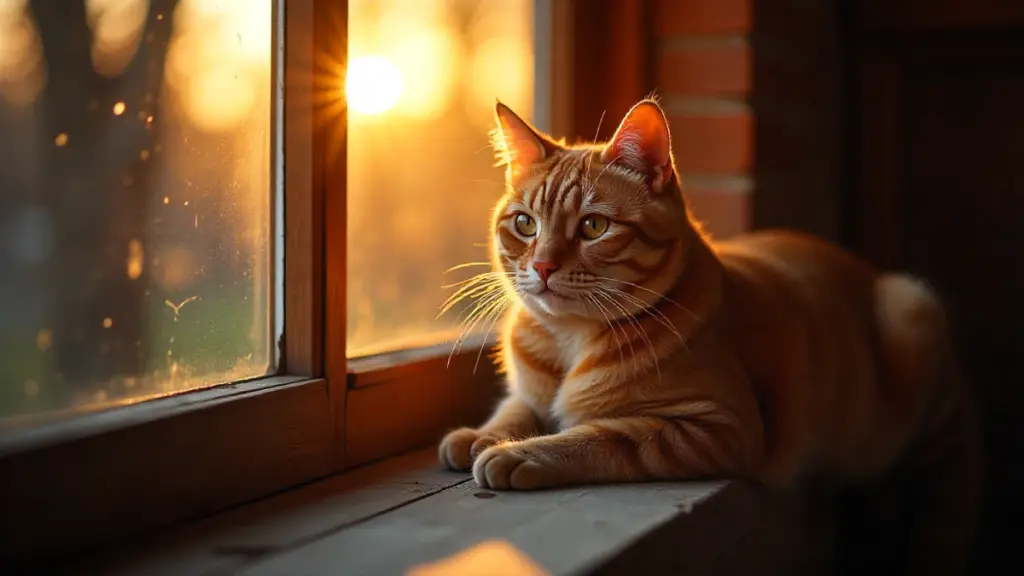
And here’s my final piece of advice, earned through wasted hours and disappointing results: get specific with your prompts. “A cat” will give you a cat. “A ginger tabby cat sitting on a wooden windowsill at sunset, soft lighting, shallow depth of field” will give you something you might actually use. The quality of your output is directly tied to how well you can describe what you want.
That skill—prompt engineering, if we’re being fancy—matters more than which generator you choose. Master that, and you’ll get good results from any platform.